Jelly Quake: Tips, Strategy & How to Get a High Score
Master Jelly Quake: Pro Tips & High Score Strategies
This page provides a comprehensive guide to mastering Jelly Quake, an arcade physics game where you stack wobbling rectangles to build the tallest tower possible. The most important takeaway for high scores is timing your placements: because the “jelly” blocks have momentum and sway, you must account for their movement before they land to prevent your tower from collapsing into a heap.
How do I play Jelly Quake?
Jelly Quake combines physics-based stacking with arcade precision. You control a wobbling rectangular block that moves toward a central stack. The core mechanic involves timing your clicks or taps perfectly so the block settles firmly on top of the previous one. If the center of gravity shifts too far to the left or right, the tower will begin to lean and eventually tip over.
The “jelly” physics mean that every movement has weight. When a new piece lands, it doesn’t just sit still; it wobbles. If you place a block on the very edge of a shaky foundation, the resulting vibration can cause the entire structure to buckle. Success depends on finding the “sweet spot”—the center of the top surface—to minimize the kinetic energy transferred to the base. Unlike standard stacking games where blocks are rigid, Jelly Quake requires you to wait for the previous block to stop oscillating before committing your next move.
What are some Jelly Quake tips for higher scores?
To move beyond basic survival and start hitting high scores, you must change how you view the tower’s stability. Instead of just aiming for the top, aim for the center.
- Center-Loading: Always try to land your rectangle as close to the middle as possible. This keeps the center of gravity stable.
- Manage Momentum: Don’t wait until the last millisecond to drop a piece. If you “slam” a block down, the impact force can cause the tower below it to shake violently.
- Correcting Lean: If your tower begins to tilt slightly left, place your next block slightly toward the right side of the peak to counterbalance the weight.
- Small Adjustments: As the tower grows taller, even a tiny wobble at the bottom is magnified at the top. Stay focused on the very peak of the stack rather than looking at the base.
When you reach the mid-game heights, the physics become more volatile. A slight tilt in the middle of your tower can create a “pendulum effect” where the top of the tower swings wildly. To counter this, try to place blocks that are slightly offset from the center on purpose to act as anchors against the prevailing lean.
Which strategies work just for beginners?
If you are new to physics-based arcade games, start by ignoring the “speed” aspect of the game. Many players fail because they try to place blocks too quickly, leading to erratic movements from the jelly.
Focus on a steady rhythm. Wait for the block to reach its peak height before making your move. By slowing down your pace, you give yourself more time to observe how the tower reacts to each new addition. Stability is always more valuable than speed in Jelly Quake; a slow, stable tower will always outlast a fast, shaky one. For example, if you feel the urge to tap rapidly as the game speeds up, take a breath and wait for the visual “jiggle” of the previous block to settle into a still position before clicking again.
How do I master the controls?
The controls are designed for instant play, making it accessible on both desktop and mobile devices. On a keyboard, you typically use the spacebar or mouse clicks to drop the block. On mobile, a simple tap registers the action.
| Game Feature | Strategy | Impact on Score |
|---|---|---|
| Placement Timing | Wait for the “settle” before next move | Reduces vibration/wobble |
| Centering | Aim for the middle of the top rect | Prevents leaning and tipping |
| Counter-Balancing | Offset lean by placing on opposite side | Stabilizes a wobbling tower |
| Pace Control | Slow down as the height increases | Reduces errors caused by haste |
How can I beat my previous high score?
To break your personal record, you must master the “recovery” phase. No one can build a perfectly straight tower every time. The secret to high scores is knowing how to fix a mistake before it becomes fatal. If a block lands slightly off-center, your next move should be a deliberate attempt to balance it out.
If you notice the tower swaying in a specific direction, “weight” the opposite side immediately. Think of it like balancing a scale; if the left side is heavy, your next placement must favor the right. Practice building a steady base; if the bottom three levels are perfectly centered, the top ten levels will stay standing much longer because the foundation isn’t fighting against gravity. Consistency in the first 10 blocks determines whether you can reach the high-score milestones in the final stages of the game.
Related guides
Play the game
All games →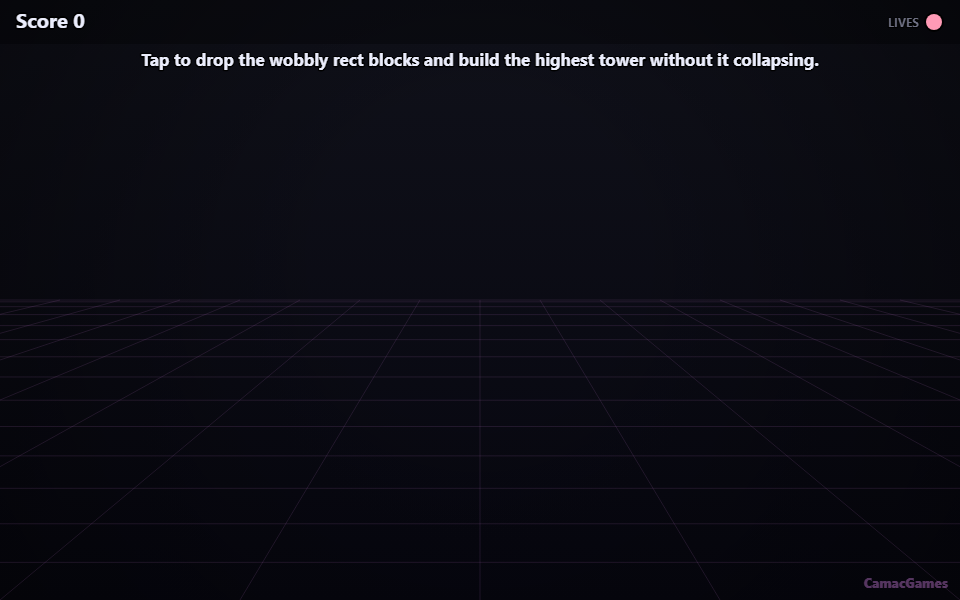
FAQ
How can I get a higher score in Jelly Quake?
To achieve a high score, focus on precise timing and navigating obstacles quickly to maximize your points.
Is Jelly Quake free to play?
Yes, Jelly Quake is completely free to play and accessible directly in your web browser.
What is the best strategy for beginners?
Beginners should start by mastering the basic movement controls and practicing consistent patterns before attempting complex maneuvers.