No-Download Browser Games That Just Work
Play Free Browser Games No Download - Instant Action Online
This page features a curated selection of instant browser games no download required, designed to run directly in your web browser using HTML5 technology. The most important takeaway is that these titles function instantly on any device—including Chromebooks and locked-down work laptops—because they require zero installation or external plugins to play.
How do browser games without downloads actually work?
Modern web gaming relies primarily on HTML5 and WebGL technologies. Unlike the older days of Flash, these modern frameworks allow your browser to render 2D and 3D graphics directly within a tab. Because the game assets are hosted on our servers and rendered in real-time, you don’t need to install anything on your hard drive or local memory.
This architecture is particularly beneficial for users on restricted networks. For example, if you are using a school Chromebook or a corporate laptop where administrative rights are restricted, these games bypass the need for “permission” to install software. The browser acts as the engine, pulling only the necessary data to run the game in that specific moment. Once you close the tab, the session ends, and no temporary files clutter your system.
What can I play in two minutes?
If you only have a few moments between meetings or classes, high-intensity arcade games provide the quickest dopamine hit. These titles focus on “one-more-try” mechanics where the goal is to beat your previous high score within a single session.
Bubble Popper is the ultimate choice for a quick reflex test. You must rapidly tap or click to pop rising circles while navigating a field of hazards. The challenge lies in your reaction speed; if you hesitate, the spikes will end your run instantly. It is designed for fast-paced input and immediate feedback, making it perfect for a 60-second “brain break.” Unlike more complex RPGs that require you to manage inventory or stats, Bubble Popper focuses entirely on your ability to process visual cues and react with precision.
Which games are best for mobile browsers?
Mobile devices present unique challenges due to smaller screen sizes and touch interfaces rather than mouse clicks. However, several titles on our platform are optimized specifically for “tap-to-play” mechanics that feel natural on a smartphone or tablet.
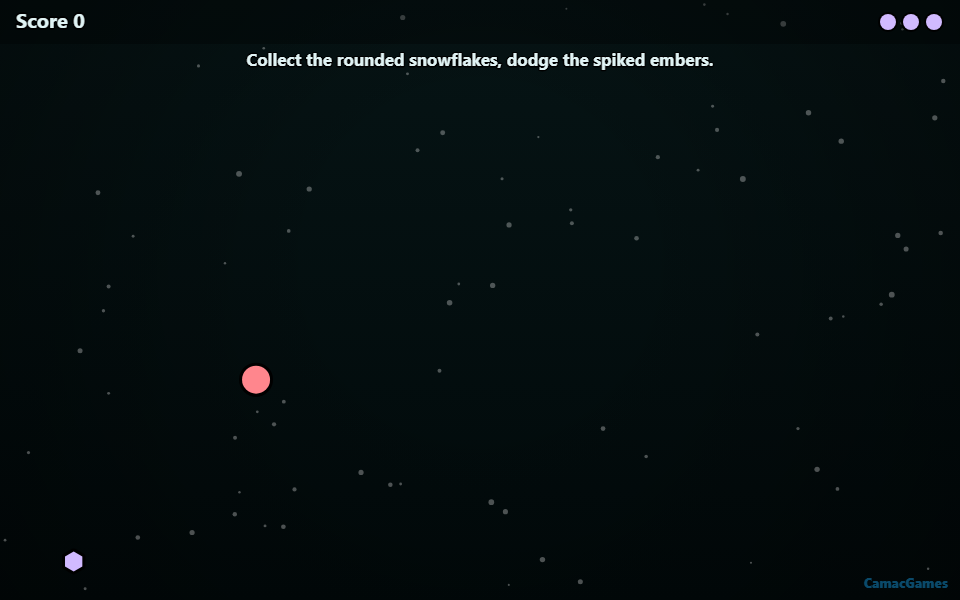
Snow Drift is a standout for mobile play. You navigate a character through a frosty tundra, dodging obstacles while collecting snowflakes. The movement is fluid, and the visual aesthetic of the snowy landscape makes it an immersive experience even on a small screen. Because it rewards steady navigation over frantic clicking, it is much easier to enjoy while standing on a bus or waiting in a queue. It avoids the “fat-finger” problem by using large hitboxes for objects, ensuring that your gameplay isn’t frustrated by the limitations of a touchscreen.
What if I have a slow internet connection?
Because these are “instant” games, they are optimized for faster loading compared to traditional game launchers. However, some titles require more assets than others. Comet Tail is an excellent example of a well-optimized arcade game designed for accessibility.
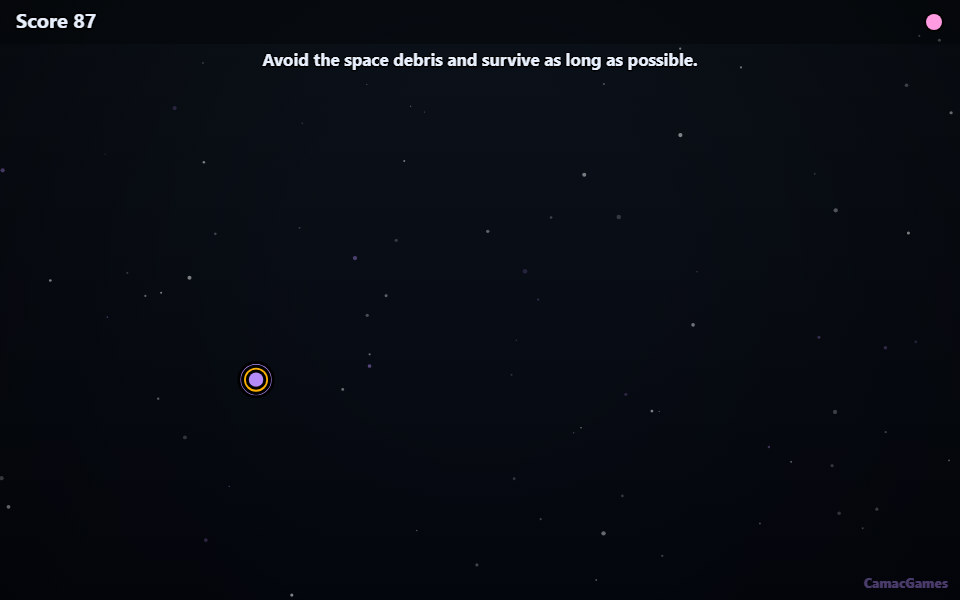
You navigate through the Void, dodging incoming space debris to stay alive as long as possible. Because it focuses on a specific, stylized environment (the “Void”), the textures are streamlined and compressed. This means that even on a standard or slightly throttled connection, the gameplay remains smooth and stutter-free. Instead of loading high-resolution 3D models that might cause lag, Comet Tail uses high-quality 2D assets that render instantly, ensuring you spend more time dodging debris and less time watching a loading bar.
How do I get started with instant play?
Getting started is simple because there is no “install” button or account creation required to begin your journey. You simply click the game thumbnail, wait for the assets to load in your tab, and start playing immediately. To help you choose based on your current mood or device, refer to this comparison:
| Game Title | Primary Genre | Best For | Key Mechanic |
|---|---|---|---|
| Bubble Popper | Reflex/Action | Quick breaks | Rapid clicking & dodging |
| Comet Tail | Space Arcade | Strategy/Focus | Navigation & survival |
| Snow Drift | Adventure/Arcade | Mobile/Casual | Collection & exploration |
What makes these games better than app downloads?
When you play a browser game no download required, you eliminate three major hurdles that often frustrate casual gamers: storage space, installation time, and compatibility issues.
- No Storage Drain: These games do not take up gigabytes on your phone or laptop. They exist in the “cloud,” meaning they don’t eat up your device’s internal memory.
- Universal Access: Because they run in a browser, they work on Chromebooks, tablets, and PCs simultaneously. You can start a game on your desktop and find the same experience on your mobile device without transferring files.
- Instant Updates: Since the game runs on our servers, you always play the latest version. You never have to worry about “patching” the game or downloading updates when a new level is added.
Whether you are dodging space debris in Comet Tail or navigating the frozen wastes of Snow Drift, the experience is seamless. You click, you play, and when you’re done, you simply close the tab. No files remain on your device, leaving your system clean and ready for your next task.
Related guides
Games in this guide
All games →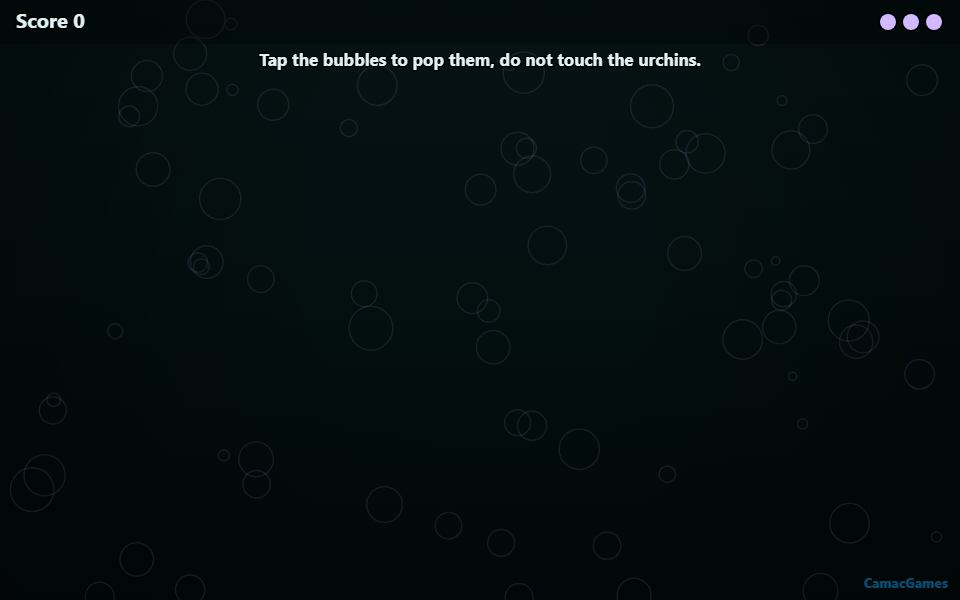
FAQ
Do I need to download anything to play?
No, all games are played directly in your web browser with no downloads or installations required.
Are the games free to play?
Yes, all titles including Bubble Popper and Snow Drift are completely free to play.
Can I play these on my mobile device?
Yes, these games are optimized for instant play across both desktop and mobile browsers.